Photo Logging vs. Manual Entry: Which Calorie Tracking Method is Right for You?
Compare the pros and cons of photo-based food logging versus traditional manual entry to find the tracking method that fits your lifestyle.

James Nakamura
Sports Nutritionist & Meal Prep Coach
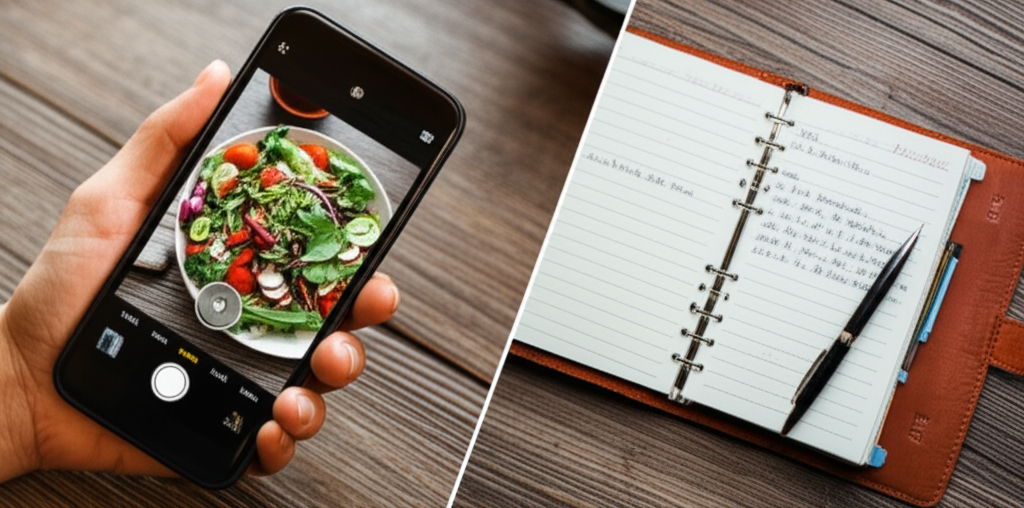
When it comes to tracking your food intake, you have options. Should you snap photos and let AI do the work? Or manually search and log each item? Both methods have their place—and understanding the tradeoffs can help you choose the right approach for your lifestyle.
The Evolution of Calorie Tracking
Calorie tracking has come a long way:
1990s-2000s: Paper food diaries and reference books 2005-2010: Digital databases with manual search and selection 2010-2020: Barcode scanning joins the toolkit 2020+: AI photo recognition enters mainstream apps
Each evolution has made tracking more accessible, but the core tradeoffs between accuracy and convenience remain.
Manual Entry: Pros and Cons
Advantages of Manual Entry
Higher potential accuracy When you weigh your food and select the exact item from a database, your log reflects reality more closely. Database entries like "chicken breast, grilled, 4 oz" leave less room for estimation error than a photo analysis.
Better awareness building The act of searching for foods and seeing their nutrition facts builds deeper understanding over time. You start to learn calorie counts intuitively.
Reliable for common foods Apps like MyFitnessPal have databases with millions of entries. For packaged foods and restaurant chains, you can often find exact matches.
Disadvantages of Manual Entry
Time consuming Logging a meal manually takes 2-5 minutes, depending on complexity. Over a day, that adds up to 10-20 minutes of app time.
Requires measuring Without a food scale, manual entry involves guesswork anyway. "1 cup of rice" varies significantly based on how tightly you pack it.
High friction leads to abandonment Research shows that most people who start manual calorie tracking quit within two weeks. The time investment becomes a barrier to consistency.
Database accuracy varies User-submitted entries can contain errors. A MyFitnessPal study found 20% of database entries had significant inaccuracies.
Photo Logging: Pros and Cons
Advantages of Photo Logging
Speed Snap a photo, and logging takes seconds instead of minutes. This dramatically lowers the friction of tracking.
Better compliance Because it's easier, people stick with photo logging longer. Consistency beats precision when it comes to nutrition awareness.
Visual record Photos create a food diary you can look back on. Many people find visual records more meaningful than text logs.
Catches forgotten items When you photograph your whole plate, you're less likely to forget the butter, dressing, or sides.
Disadvantages of Photo Logging
Lower accuracy AI estimates typically fall within 10-20% of actual calories. For precise deficit calculations, this margin of error matters.
Struggles with complex dishes Casseroles, soups, and mixed dishes are hard for AI to analyze accurately. Component ingredients may be hidden or mixed.
Requires good conditions Poor lighting, unusual angles, or partially eaten food reduce accuracy significantly.
Limited database matching Unlike barcode scanning, photos can't always match to branded products or restaurant-specific items.
Barcode Scanning: The Middle Ground
Worth mentioning is barcode scanning, which offers a middle path:
- Accuracy: Uses manufacturer data, so calories match the package
- Speed: Almost as fast as photo logging
- Limitation: Only works for packaged foods
When to Use Each Method
Here's a practical guide for when each approach makes sense:
Use Photo Logging When:
- You're eating a full meal and want quick tracking
- You're at a restaurant without nutritional information
- Building the habit is more important than precision
- You're tracking generally, not managing a medical condition
Use Manual Entry When:
- You've weighed or measured your food precisely
- You're eating something with a reliable database match
- You're in a careful cutting or bulking phase
- You're tracking specific medical dietary requirements
Use Barcode Scanning When:
- You're eating packaged foods with barcodes
- You want accuracy without manual search time
- You're eating the same items regularly
A Hybrid Approach
Many successful trackers combine methods based on context:
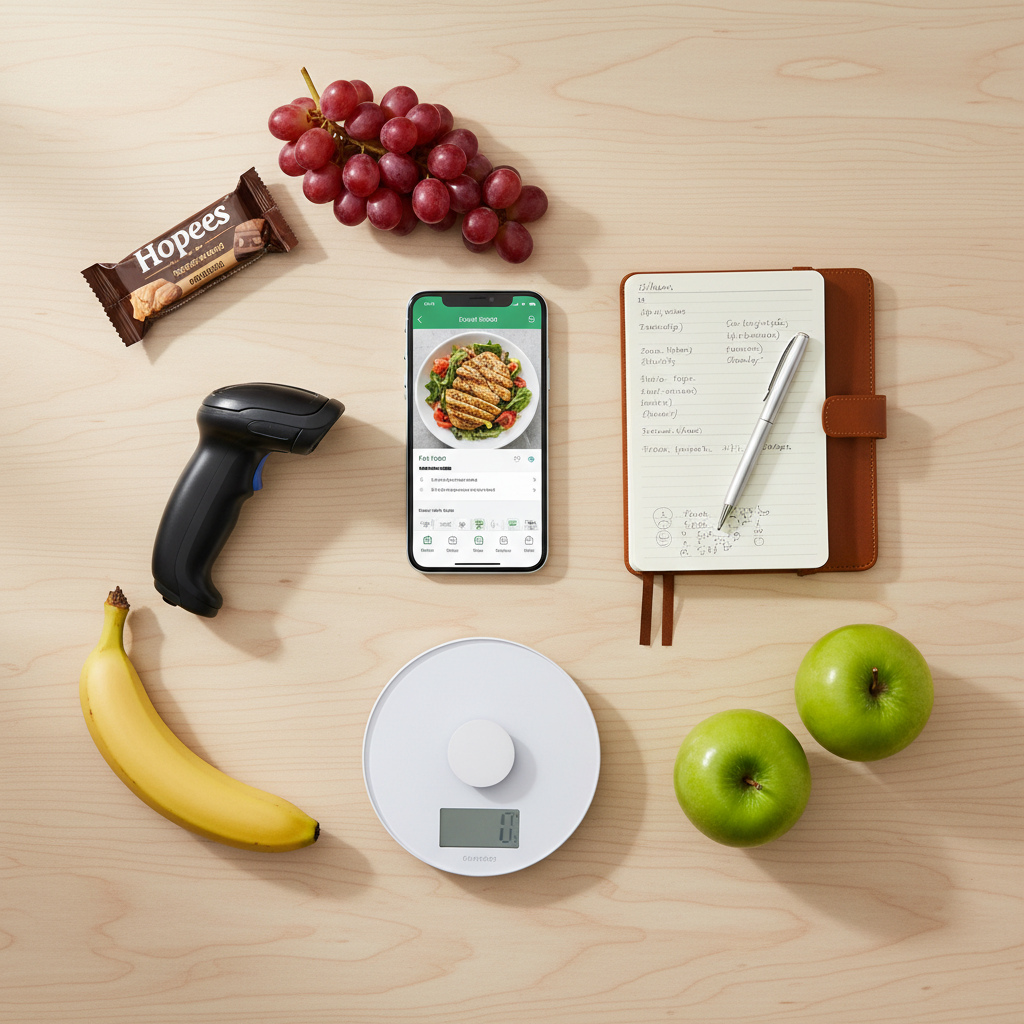
| Meal Type | Best Method |
| Home-cooked with measured ingredients | Manual entry |
| Restaurant meal | Photo logging |
| Packaged snack | Barcode scan |
| Coffee shop order | Photo + adjustment |
| Meal prep containers | Photo first meal, duplicate after |
Time vs. Accuracy Comparison
Here's what to expect from each method:
| Method | Time per Meal | Accuracy Range | Best For |
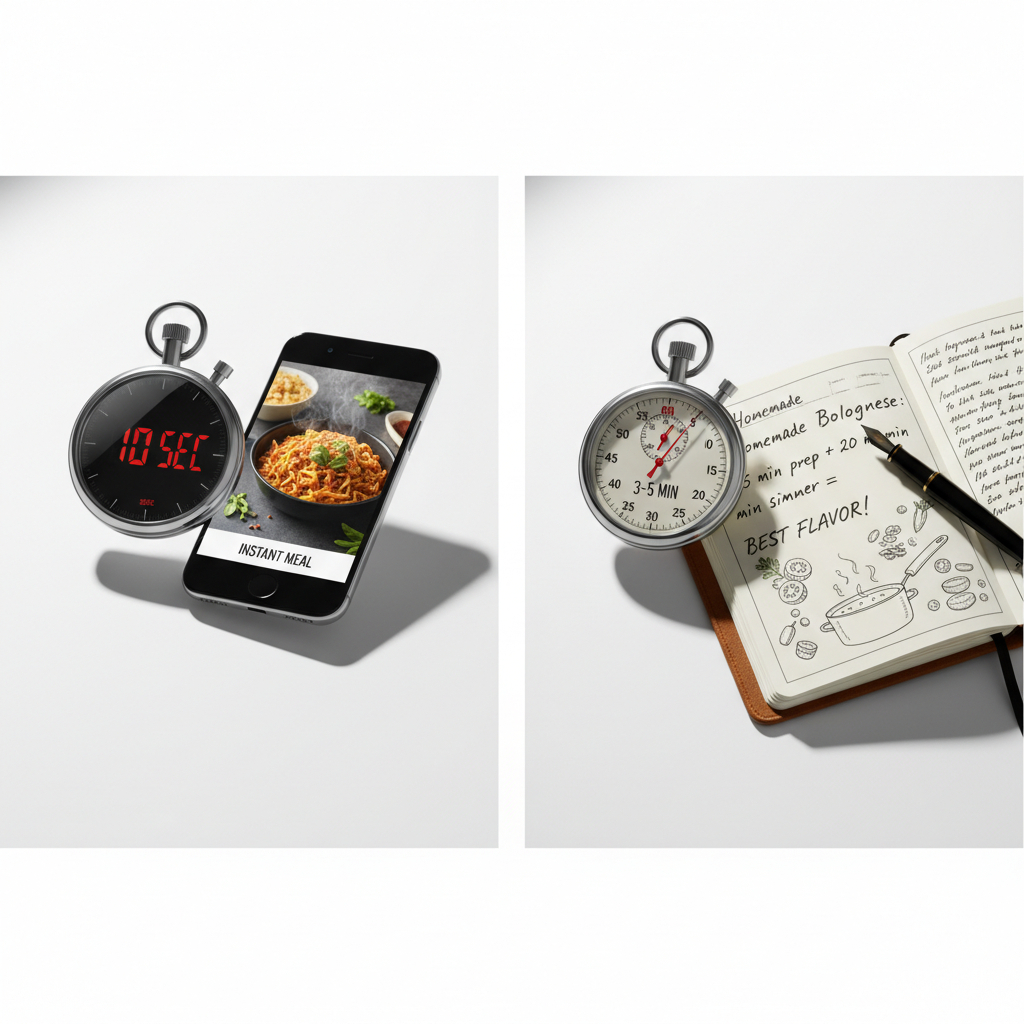
| Manual with scale | 3-5 min | ±5% | Precision goals |
| Manual without scale | 2-4 min | ±15% | Regular tracking |
| Photo logging | 10-30 sec | ±10-20% | Quick awareness |
| Barcode scan | 5-15 sec | ±5% | Packaged foods |
The KCALM Perspective
We designed KCALM around the insight that most people abandon tracking because it takes too long. Our AI Snap feature gives you a reasonable starting point in seconds, and you can adjust if needed for better accuracy.
The question isn't "which method is best?" but "which method will you actually use consistently?" A moderately accurate log you maintain for months beats a perfect log you abandon after a week.
Finding Your Balance
Experiment with different approaches and notice:
- How long does each method take you?
- Do you track more consistently with one approach?
- Does the accuracy difference matter for your goals?
- What's your tolerance for app time?
Your tracking method should serve your goals, not the other way around.
Ready to track smarter?
Join thousands who use KCALM for calorie tracking. AI-powered food recognition, scientifically-validated calculations, and zero anxiety.
Related Articles
Intermittent Fasting and Calorie Tracking: A Complete Guide
Does intermittent fasting work for weight loss? Learn how to combine IF with calorie tracking, the science behind fasting windows, and evidence-based protocols for sustainable results.
GuidesBest Calorie Tracking Apps in 2026: An Honest Comparison
Which calorie tracking app is best in 2026? We compare MyFitnessPal, Cronometer, Lose It!, MacroFactor, Noom, and AI-powered options on accuracy, features, pricing, and ease of use.
ScienceAI vs. Manual Calorie Tracking: Which Is More Accurate?
Compare AI photo-based calorie tracking with manual food logging. See accuracy data, time savings, and which method works best for your goals and lifestyle.